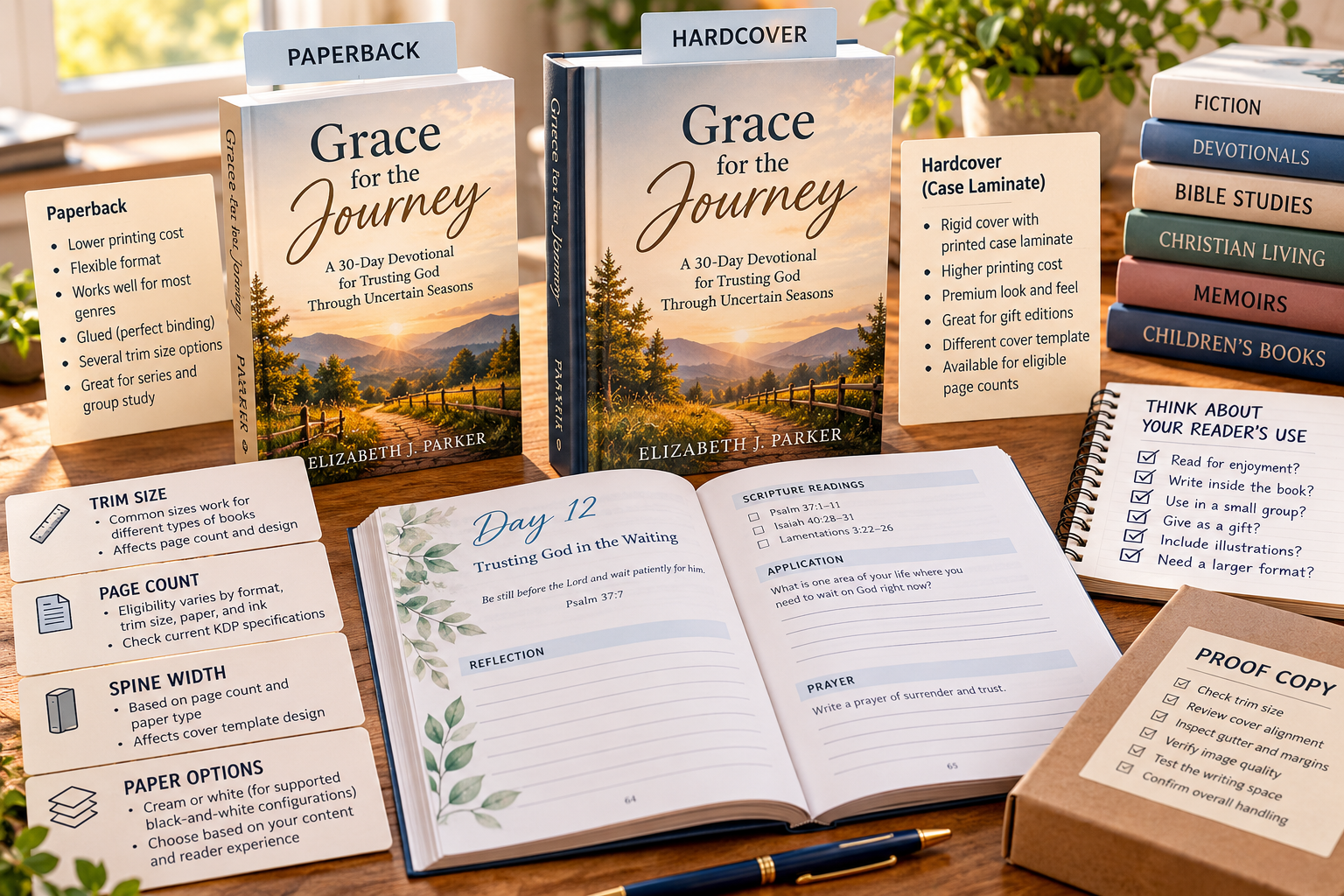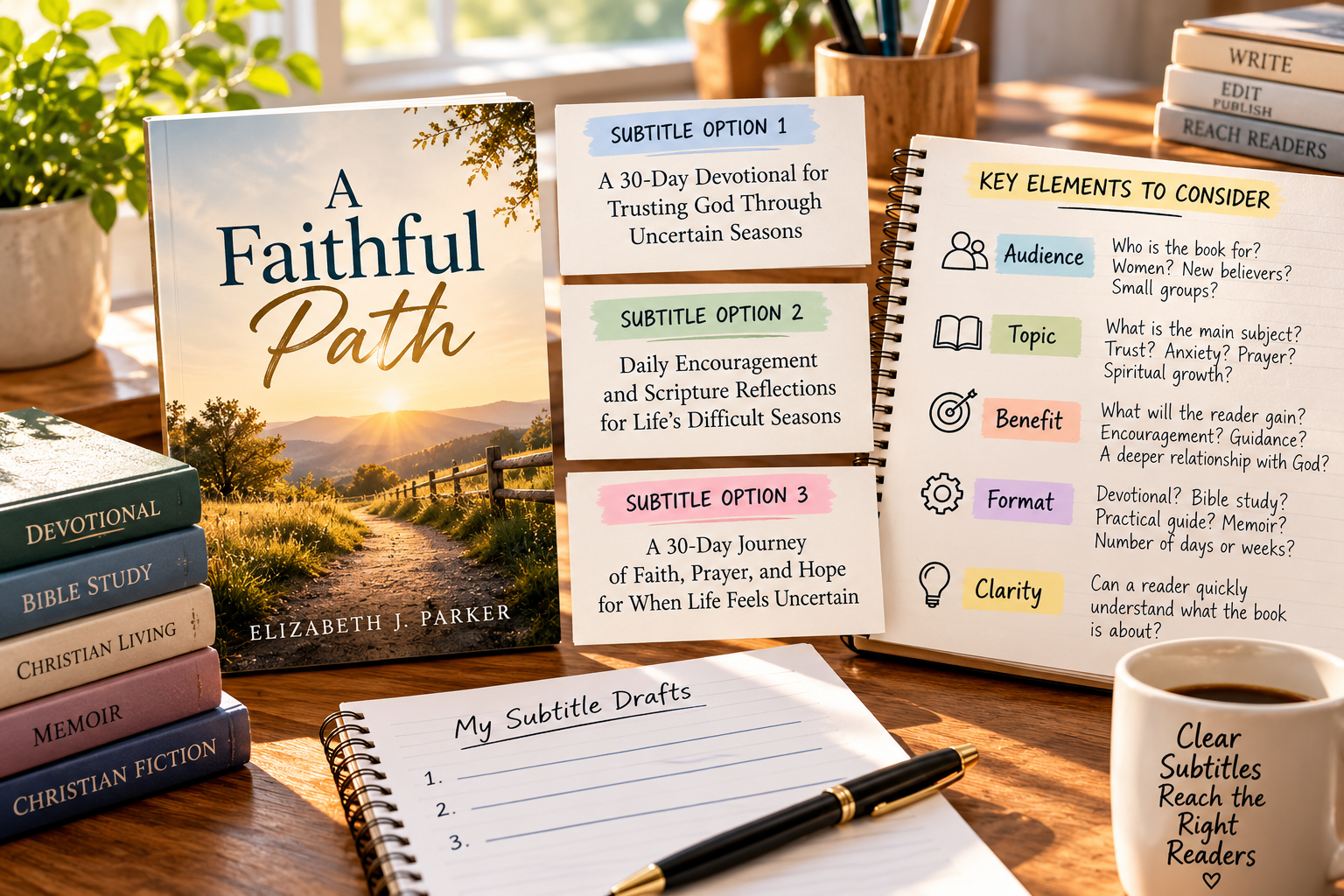
Why Every Author Should Order a KDP Proof Copy Before Publishing
A KDP proof copy lets you inspect the physical book before readers do. Learn what to check in the interior, cover, margins, images, binding, and Christian content before approving your paperback or hardcover.
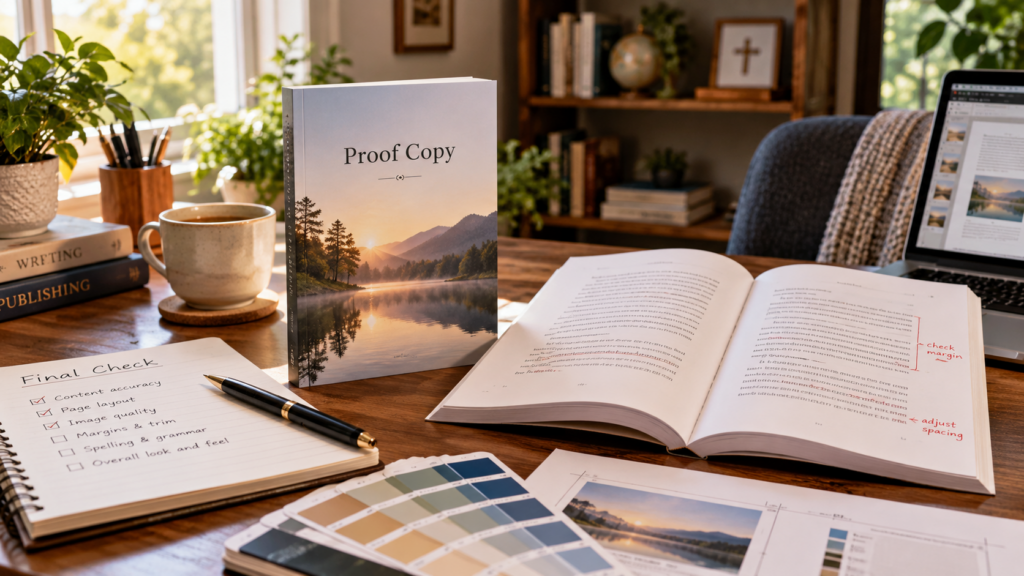
A book can look finished on a screen and still contain problems you do not notice until you hold the printed copy.
Margins feel different on paper.
Images can reproduce differently.
A cover can look slightly off-center.
Text that seemed comfortable on a monitor may feel cramped in a physical book.
That is why Amazon KDP gives authors the option to order a printed proof before publication.
A proof copy is not just a souvenir. It is a final production check.
For Christian authors publishing devotionals, Bible studies, memoirs, children’s books, workbooks, and other print titles, that physical review can prevent avoidable mistakes from reaching readers.
What a KDP Proof Copy Actually Is
A KDP proof copy is a physical test copy of a paperback or hardcover that has not yet been published.
It allows you to see and handle the book much as a customer eventually will.
Proof copies are intended for prepublication review. They are marked as not for resale and use a proof-specific barcode rather than functioning as finished retail inventory.
That makes them different from author copies.
Author copies are available after the book is published.
Proof copies are for testing before publication.
Why the Print Previewer Is Not Enough
KDP’s Print Previewer is important.
It can help identify layout and file problems before you submit the book.
But a digital preview cannot reproduce the complete physical reading experience.
A screen cannot fully tell you:
- how large the type feels in your hands
- whether the gutter feels too tight
- whether a workbook provides enough writing space
- how cover colors reproduce physically
- whether graphics look sharp enough
- how substantial the book feels
- whether page turns reveal awkward layout choices
- whether the book is comfortable to read
The digital preview and physical proof serve different purposes.
Use both.
Check the Interior as a Reader Would
Do not simply flip through the proof looking for obvious printing errors.
Read it.
Sit down with the book the way a customer would.
Check:
- font size
- line spacing
- margins
- paragraph spacing
- chapter openings
- page numbers
- headers and footers
- tables
- illustrations
- captions
- Scripture references
- blank pages
- answer spaces
- page breaks
A formatting decision that seemed acceptable on a large monitor may feel very different on a 6 x 9-inch page.
For a devotional, ask whether each reading feels comfortable on the page.
For a Bible study, make sure readers actually have enough room to write.
For a children’s book, check whether the text and illustrations work together at physical size.
Pay Special Attention to the Gutter
The gutter is the inside area where facing pages meet near the binding.
This is one of the easiest places to misjudge from a screen.
Text or images placed too close to the inside margin can become difficult to read once the book is bound.
You should not have to force a book completely flat just to read the inner edge of a paragraph.
Flip through the entire proof and look for pages where content feels crowded near the spine.
This becomes increasingly important as page count grows because thicker books need more room near the binding.
Review Images in Print
Screens are bright.
Paper is not.
An image that looks vibrant on a monitor can appear darker, softer, or less detailed when printed.
Check:
- photographs
- illustrations
- charts
- decorative elements
- shaded boxes
- logos
- background graphics
This is especially important for color interiors.
If you are paying the higher printing cost for color, the finished product needs to justify that expense.
Look closely at skin tones, subtle gradients, small text inside graphics, and areas with dark backgrounds.
Inspect the Cover Carefully
The cover deserves just as much attention as the interior.
Check:
- title alignment
- subtitle placement
- author name
- spine centering
- back-cover text
- barcode placement
- safe margins
- image sharpness
- color reproduction
Hold the book at arm’s length.
Then place it on a table beside several professionally published books in the same general category.
Does yours look credible?
Does the title remain readable?
Does the spine look balanced?
Does the cover communicate the right genre and audience?
A cover can technically pass a file check and still feel wrong in person.
Hardcover Needs Its Own Proof
Do not assume an approved paperback means the hardcover will automatically look right.
KDP hardcover production differs physically from paperback production.
The cover construction is different.
The spine behaves differently.
The finished book feels different in the reader’s hands.
Even when the interior is substantially the same, the hardcover should be reviewed separately.
If you plan to sell both paperback and hardcover, proof both formats.
Check Page Flow, Not Just Individual Pages
A book is experienced in sequence.
That means you should watch for:
- chapter headings stranded at the bottom of a page
- awkward blank pages
- two-page spreads that do not align
- headings separated from the text they introduce
- images landing on inconvenient pages
- answer keys beginning in strange places
- section breaks that feel accidental
- pages that suddenly feel too dense or too empty
These problems are often easier to notice when physically turning pages.
A book can be technically correct and still feel poorly paced.
Proof Christian Content Too
For Christian authors, the physical proof provides one more opportunity to verify content accuracy.
Check:
- Scripture quotations
- Bible references
- translation abbreviations
- copyright notices
- theological terminology
- names
- dates
- footnotes
- acknowledgments
Read quoted Scripture again.
Confirm that the wording matches the translation identified.
Look for verse references that may have been typed incorrectly.
Check whether copyright and translation notices appear where required.
A final physical read can reveal mistakes you overlooked because you became too familiar with the digital manuscript.
How to Order a KDP Proof Copy
Once your paperback or hardcover files are uploaded and ready for review, use KDP’s proof-ordering option from your Bookshelf.
The basic process is:
- Open your KDP Bookshelf.
- Locate the paperback or hardcover project.
- Review and approve the book in Print Previewer.
- Choose the option to request printed proofs.
- Select the number of copies you want.
- Choose the appropriate Amazon marketplace.
- Complete the proof purchase when Amazon provides the ordering link.
Shipping price and delivery time can vary depending on the book, marketplace, destination, and shipping method.
Do not build your production schedule around an assumed fixed delivery time.
Give yourself enough room to receive the proof, review it carefully, make corrections, and order another proof if necessary.
Proof Copies Are Not Author Copies
This distinction is important.
Proof copies are intended for reviewing an unpublished book.
They are visibly identified as proofs and are not intended to function as retail inventory.
Author copies serve a different purpose.
After your book is live, you can order author copies for uses such as:
- events
- direct sales
- church presentations
- speaking engagements
- giveaways
- personal inventory
- promotional photography
Think of the proof as a production tool.
Think of the author copy as a finished copy of the published product.
Mark Up the Proof
Do not try to keep your proof pristine.
Use it.
Write on it.
Circle problems.
Add sticky notes.
Mark:
- typos
- spacing problems
- weak page breaks
- image issues
- margin concerns
- cover changes
- Scripture corrections
- awkward headings
- inconsistent formatting
A proof covered in notes is doing its job.
You may want one clean copy if you order several, but your primary proof should become a working quality-control document.
Create a Proofing Checklist
Do not rely only on memory while reviewing the book.
Use a checklist.
A simple proofing checklist might include:
Cover
- title
- subtitle
- author name
- spine
- back-cover copy
- barcode area
- image quality
Interior
- margins
- gutter
- fonts
- spacing
- headers
- footers
- page numbers
- chapter starts
- images
- tables
Content
- typos
- names
- dates
- Scripture
- quotations
- references
- copyright information
Reader experience
- readability
- writing space
- page flow
- physical comfort
- overall presentation
Working systematically makes it much less likely that an obvious problem will slip through simply because you were concentrating on something else.
Correct the Files and Check Again
If you find problems, correct the original manuscript or design file first.
Then export the new print file and upload it to KDP.
Do not make a one-time correction only to a PDF if the original working file still contains the mistake.
That can cause the error to return later when you revise or re-export the book.
For significant changes, order another proof.
One layout correction can shift pages elsewhere in the manuscript and create a new problem.
When Is a Second Proof Worth Ordering?
A second proof is particularly worthwhile after changes involving:
- margins
- trim size
- page count
- font size
- graphics
- cover positioning
- spine width
- extensive text reflow
- color
- workbook writing areas
- major page-break changes
If you corrected one spelling mistake that does not alter layout, another physical proof may not be necessary.
Use judgment.
But when the physical appearance of the book changes, verify it physically.
Workbooks Need Extra Attention
Workbooks deserve especially careful proofing because readers interact with the pages differently.
Do not just look at the content.
Actually use the workbook.
Write answers in the spaces.
Complete an activity.
Try filling in a chart.
Use the margins.
Ask:
Is there enough room to write?
Does the book stay open comfortably enough?
Are instructions visually separated from answer areas?
Are lines wide enough?
Are page numbers easy to locate?
Does important content disappear near the binding?
A workbook may look attractive while still being frustrating to use.
Physical proofing reveals those problems.
Children’s Books Need Physical Testing Too
Children’s books introduce another set of issues.
Check:
- illustration brightness
- text size
- text placement
- page-turn rhythm
- visual consistency
- image cropping
- facial expressions
- small visual details
- whether text remains readable over illustrations
Read the book aloud from the proof.
Page turns matter in children’s publishing.
Sometimes a reveal that worked in the digital file loses its impact because the scene falls on the wrong side of a physical page turn.
Do Experienced Authors Still Need Proofs?
Experience reduces mistakes.
It does not eliminate them.
An author using a proven template for a straightforward text-only book may eventually become comfortable with fewer physical checks.
But certain projects deserve a proof almost every time:
- illustrated books
- color interiors
- children’s books
- workbooks
- activity books
- unusual trim sizes
- hardcovers
- books with complex tables
- books with significant graphics
- the first book in a new series design
The more production variables the book contains, the more valuable the proof becomes.
Keep an Approved Copy as Your Production Reference
Once the book is correct, keep a clean physical copy.
That becomes useful when producing:
- the next book in a series
- a revised edition
- a hardcover version
- related workbooks
- companion products
- future books using the same design system
You can compare:
- font size
- margin width
- heading treatment
- paper feel
- cover placement
- page density
Your approved book becomes a physical production standard.
That can save considerable time later.
The Proof Is Part of Quality Assurance
Ordering a proof should not feel like an optional extra added after the book is finished.
It is part of finishing the book.
The digital manuscript tells you whether the file works.
The printed proof tells you whether the book works.
That difference matters.
Your reader will not hold your Word document.
They will not hold your PDF.
They will hold the finished book.
Inspect what they are actually going to receive.
Frequently Asked Questions
What is a KDP proof copy?
A KDP proof copy is a physical test copy of an unpublished paperback or hardcover. It allows the author or publisher to inspect the printed book before making it available to customers.
Should I order a KDP proof before publishing?
For most print books, yes. It is especially valuable for first-time authors, illustrated books, color books, workbooks, children’s books, hardcovers, and books using a new design or trim size.
Can I sell a KDP proof copy?
Proof copies are intended for prepublication testing and are marked as not for resale. After publication, use author copies when you need finished copies for direct sales, events, giveaways, or other distribution.
Is KDP Print Previewer enough?
Print Previewer is an important digital check, but it cannot fully reproduce the physical reading experience. A printed proof lets you evaluate margins, gutter space, type size, color, binding, cover appearance, writing space, and overall usability.
Should I proof both paperback and hardcover?
Yes, when you plan to publish both. The two formats have different physical construction and cover characteristics, so each should be evaluated separately.
Do I need another proof after making corrections?
It depends on the correction. Minor text changes that do not affect layout may not require another physical proof. Changes to margins, page count, images, fonts, cover positioning, color, or page flow are much stronger reasons to order another copy.
What should I check first in a KDP proof?
Start with the cover, margins, gutter, page numbers, chapter openings, image quality, page flow, and overall readability. Christian authors should also recheck Scripture quotations, references, translation labels, and required copyright information.
Hold the Book Before Your Reader Does
The most valuable thing about a KDP proof is simple.
It changes your perspective.
Until that moment, you have been looking at a file.
Now you are looking at a book.
Read it.
Write in it.
Turn the pages.
Inspect the cover.
Check the Scripture.
Look at the margins.
Test the writing spaces.
Notice what feels wrong.
Fix those things before the first customer has the opportunity to notice them for you.